
Volume troubleshooter
Fix My Speaker Volume
Low volume can be dust, water, settings, or hardware. Run a quick clean and test to narrow it down.
Limpiador de Polvo
Barrido amplio para sacudir la suciedad Listo — 00:00
Quita la funda · altavoz hacia abajo · volumen medio
Volume problem map
- Quiet after water: use water eject, dry, then retest.
- Quiet after months of use: inspect for lint and use dust mode above.
- Quiet in one app: check app volume, media file quality, or Bluetooth output.
- Quiet only on calls: clean earpiece with ear speaker cleaner.
- Quiet on Spotify: check Spotify normalization settings.
Quick settings checklist
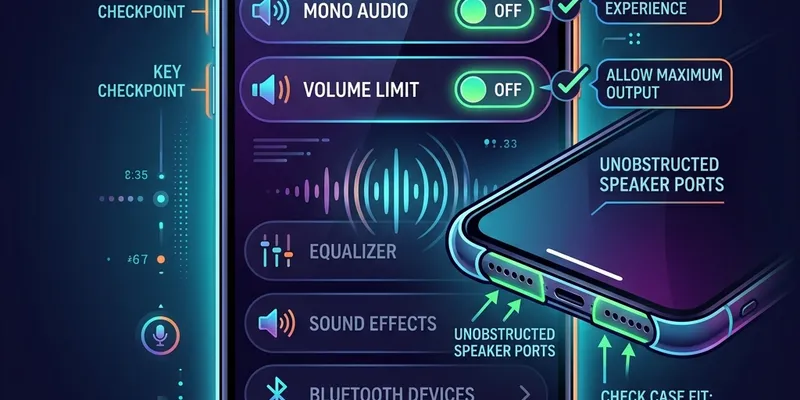
- Remove the phone case — thick cases muffle speaker output.
- Check mono audio is disabled (Settings → Accessibility → Audio).
- Disable volume limiter if enabled.
- Disconnect Bluetooth devices that might be stealing audio output.
- Restart the device to reset audio routing.
Preguntas Frecuentes
Why is my phone speaker suddenly quiet?
A sudden drop is often caused by water, lint, a blocked case opening, Bluetooth routing, call audio settings, or a software volume limit.
Can dust make volume lower?
Yes. Dust and pocket lint block high frequencies first, making the speaker feel quieter and less clear even when volume is turned up.
What if calls are quiet but videos are normal?
That points to earpiece speaker blockage, call routing, or accessibility settings rather than the main loudspeaker. Try the ear speaker cleaner.