
Speaker Cleaner
A wider frequency sweep designed to loosen lint, pocket dust, and stubborn debris from phone, earbud, and laptop speaker grilles.
Remove case · speaker down · medium volume
Why Dust Ruins Speaker Quality
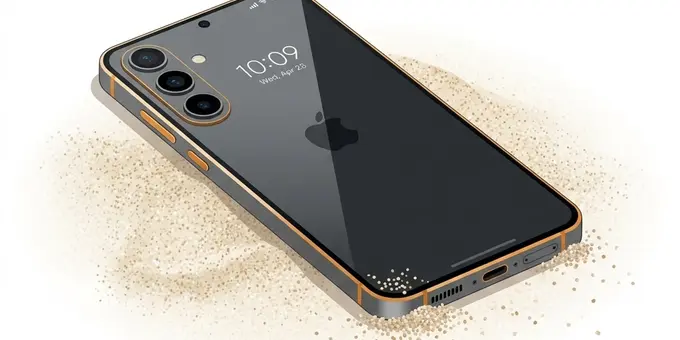
Unlike water, which causes an immediate and obvious muffling effect, dust damage happens slowly over months. Every time you slide your phone into your pocket, toss it in a purse, or leave it on a dusty desk, microscopic fibers and particles are pressed into the speaker grille.
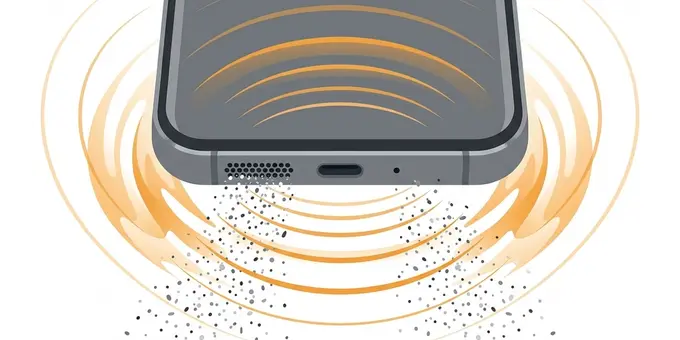
Over time, this dust packs together, creating a dense, felt-like barrier across the speaker mesh. This barrier acts as a physical acoustic filter. It absorbs higher frequencies (making audio sound muddy or dull) and prevents the speaker membrane from moving freely (killing the bass response and overall volume). Because the degradation happens so gradually, most users don't realize how bad their speakers sound until they clean them.
The 3-Step Acoustic Cleaning Method
For the best results on an older device, you should combine acoustic cleaning with safe manual cleaning to remove heavily packed pocket lint.
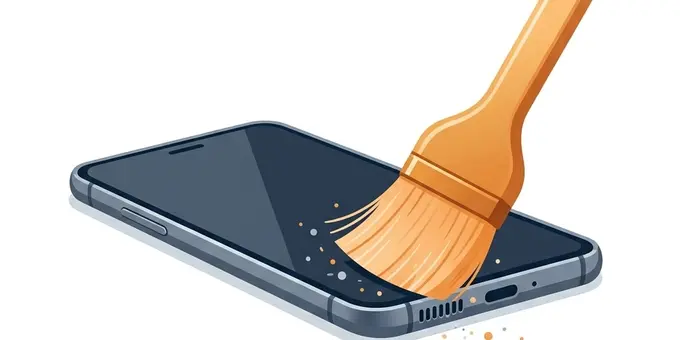
Take a clean, dry, soft-bristled toothbrush. Gently sweep horizontally across the speaker grille to catch surface lint. Do not push the bristles inward.
Turn the tool on for 60 seconds. Hold the phone with the speaker facing downward so gravity can pull out the dust particles that the sound waves loosen.
Once the audio cycle finishes, brush the grille one more time to clear away any micro-debris that was pushed to the surface.
How the Deep Sweep Feature Works
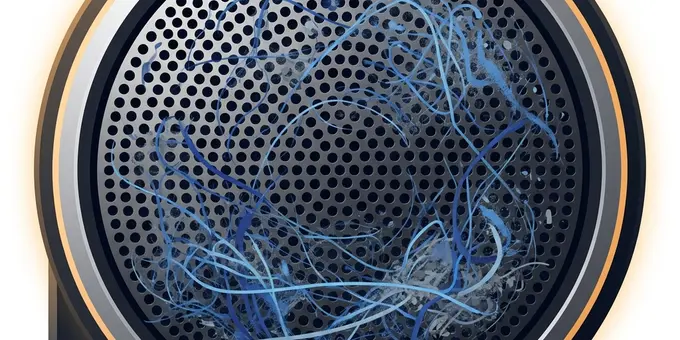
Water ejects easily because it is a single fluid mass held by surface tension. Dust is much harder to remove because it consists of thousands of individual, irregular particles wedged into the metal mesh.
A single tone won't work on dust. That's why our standard Dust Cleaner uses a continuous sweep between 90 Hz and 260 Hz. By constantly changing the frequency, the speaker membrane vibrates in different patterns and angles, shaking the debris loose from multiple directions.
If you've had your phone for more than a year and the speakers are heavily packed, you can enable the Deep Sweep feature in the tool above. This aggressively widens the frequency range to 50 Hz - 400 Hz and slows down the sweep rate. The ultra-low 50 Hz tones provide maximum physical excursion (the membrane travels further), while the 400 Hz tones provide the rapid shaking needed to dislodge fine sand and hardened dirt.
When to Seek Professional Repair
If you have run the Dust Cleaner tool multiple times (including with the Deep Sweep feature enabled) and the volume is still unacceptably low, the blockage might be too severe for sound waves to clear.
- Magnetic Adhesion: Speakers use powerful electromagnets. If you work in a machine shop or near metal shavings, microscopic iron dust can get permanently magnetized to the speaker cone. Sound waves cannot shake this off.
- Hardened Mud: If dust mixed with sweat or water and then dried, it creates a concrete-like mud seal across the mesh.
In these cases, a repair technician will need to open the phone and physically replace the speaker module or use an ultrasonic bath to dissolve the hardened mud. Never try to scrape it out yourself, as you will likely puncture the waterproof seal.
Signs Your Speaker Needs Cleaning
Not sure if dust is your problem? Look for these symptoms:
- Lost Volume: You find yourself turning the volume to maximum just to hear YouTube videos or podcasts clearly in a quiet room.
- Tinny Audio: The rich, full sound your phone had when it was new is gone, replaced by a hollow, "tin can" sound. This indicates the bass frequencies are being blocked by a dust barrier.
- Crackling at High Volumes: When you turn the volume to 100%, the speaker crackles or distorts. This happens because the speaker membrane is physically hitting the packed dust when it tries to move at high amplitudes.
The Science of Dust and Acoustic Blockage
While water damage is immediate and catastrophic, dust damage is insidious. It happens so slowly over months and years that you might not even realize your smartphone's maximum volume has dropped by 50% since the day you bought it. To understand why the Dust Cleaner tool is necessary, we must understand the physical anatomy of the debris trapped in your device.
The Anatomy of Pocket Lint
When we talk about "dust" in a smartphone speaker, we are rarely talking about simple household dust (dead skin cells and dirt). The primary culprit is pocket lint. When your phone lives in your jeans, it constantly rubs against denim and cotton fibers. These microscopic textile fibers are sheared off and forced into the tiny openings of your phone—the charging port and the speaker grilles.
Unlike water, which can evaporate, pocket lint is solid matter. Worse, it acts like a net. Once a foundational layer of cotton fibers gets wedged into the speaker mesh, it begins to catch everything else: cookie crumbs, sand from the beach, pet hair, and actual household dust. Over the span of six months, this mixture is repeatedly compressed every time you slide the phone into your tight pocket, eventually forming a dense, felt-like pad that completely blocks sound waves.
The Dangers of Metal Shavings (Magnetic Adhesion)
If you work in a machine shop, auto repair garage, or any industrial setting, your smartphone speakers face a unique and terrible threat: metal dust. At the heart of every smartphone speaker is a powerful neodymium electromagnet. This magnet is what pushes and pulls the voice coil to generate sound.
Because the speaker relies on a powerful magnetic field, any iron or steel dust that enters the speaker grille will be instantly magnetized and sucked directly onto the speaker cone itself. This is known as magnetic adhesion. When this happens, the physical weight of the metal shavings prevents the cone from vibrating at high frequencies, completely killing your treble (high-end sound) and making voices sound muddy and muffled.
Our Deep Sweep feature (50Hz - 400Hz) is specifically designed to combat this. By dropping the frequency down to 50Hz, we force the speaker to perform "maximum excursion"—moving as far out and in as physically possible. This violent shaking can sometimes provide enough kinetic energy to break the magnetic bond, throwing the metal shavings off the cone.
Why Compressed Air Destroys Speakers
It is human nature to try and blow dust out of a hole. If blowing with your mouth doesn't work, many people reach for a can of compressed air (often used for cleaning computer keyboards). Never use canned air on a smartphone speaker.
A smartphone speaker membrane is an incredibly delicate piece of polymer, thinner than a piece of paper, suspended by a soft rubber surround. It is designed to move mere fractions of a millimeter. A can of compressed air blasts out at upwards of 60 PSI (pounds per square inch). If you shoot this directly into the speaker grille, the pressure will instantly rip the membrane off its suspension or tear a hole straight through it. A blown speaker will produce a horrific, permanent crackling noise whenever audio plays. Sound waves (like our tool provides) are the only safe way to generate outward pressure from inside the acoustic chamber.
The Ultimate Cleaning Method: Sound + Soft Brush
For the most severe dust blockages, sound waves alone might not be enough to push out a year's worth of compressed lint. The ultimate, professional method requires a two-pronged approach: Acoustic vibration and mechanical agitation.
- Start the Dust Cleaner tool on your phone and turn the volume up to maximum.
- While the sweeping tone is playing, take a clean, dry, soft-bristled toothbrush (or a dedicated electronics cleaning brush).
- Gently brush the speaker grille. Do not push the bristles deep into the holes. Instead, brush across the surface of the holes at an angle.
- The sweeping sound waves from the inside will loosen the felt-like lint pad, breaking it apart, while the bristles of the brush will snag the fibers and pull them out of the grille.
This combination is how professional repair technicians clean deeply impacted speaker grilles without having to disassemble the device.
Frequently Asked Questions
Is a speaker cleaner better than brushing the grille?
They solve different problems and should be used together. A soft, dry brush removes visible lint on the outside surface. The speaker cleaner tone shakes loose the micro-dust packed deep inside the holes.
How long should I run the dust cleaner?
Start with one 60-second session. If the speaker audio improves but still lacks bass or sounds slightly tinny, wait a few minutes and run one more 60-second cycle.
Can the tone damage my speaker?
Moderate volume (60-70%) and short sessions are safe. However, very loud tones, repeated endless sessions, or using it on a speaker that is already physically torn can make existing hardware damage worse.